跳至主要内容 / Skip to content

Products / Professional Audio

Give sound
a place in space.

From input and spatial processing to network routing and loudspeaker drive. Explore the devices and software behind an immersive audio system.

Explore the product family
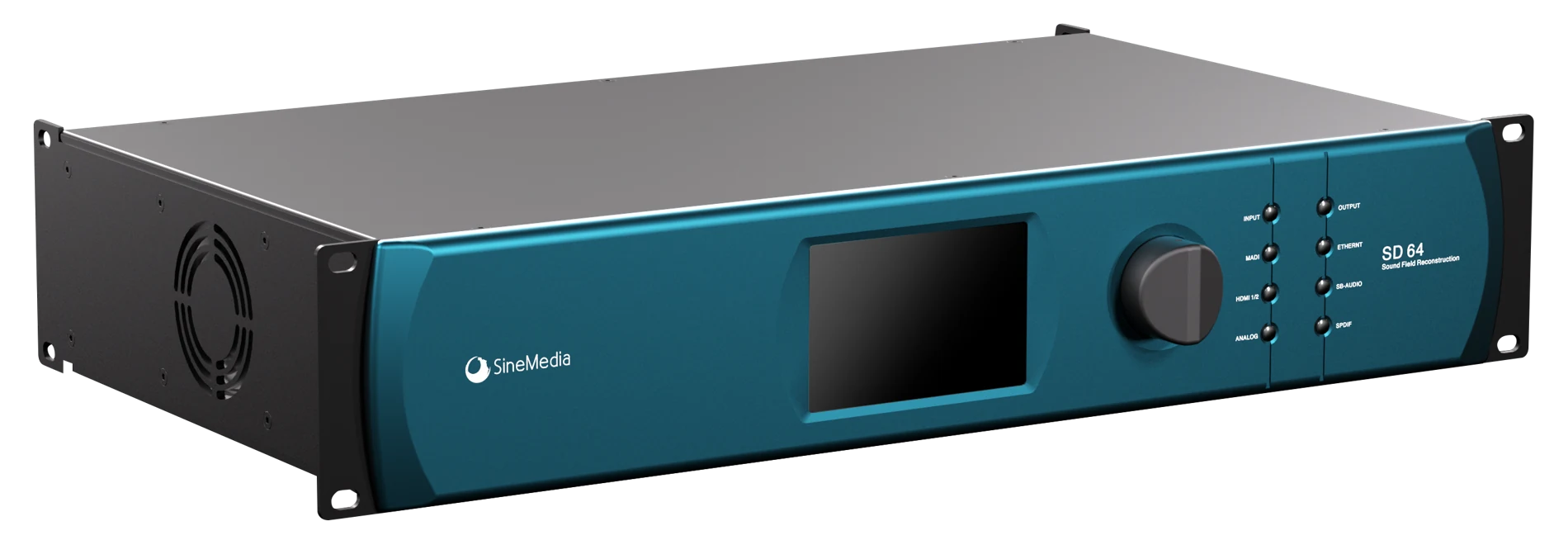
SD64 teal front panel and metal rack enclosure

Preparing the 3D model…

Exterior reconstructed from product photographs. Dimensions are estimated; this is a presentation model, not manufacturing CAD.
SD6464 × 64 Soundfield ProcessorExplore SD64

01 / Processing, by application

Different spaces. The right processor.

Layout-based soundfield configuration, object trajectories, and broadcast rendering serve different tasks. Choose the processing platform around your project.
SD64 rack processor, actual product photographSD64 / ACTUAL HARDWAREExplore the 3D model

For Installed Sound Systems

SD64

64 × 64 Soundfield Processor

Up to 64 inputs and 64 independent loudspeaker outputs. Configure input and loudspeaker layouts, calculate the decoder, then sync to the device. Includes EQ and spatial reverb.

  • Up to 64 inputs / 64 outputs
  • AES67 · MADI · Analog
  • Layout · EQ · Spatial Reverb
View SD64
Concept visualization of four sound objects and their heights in a three-dimensional space
Spatial objects · Concept visual

Live Spatial Audio

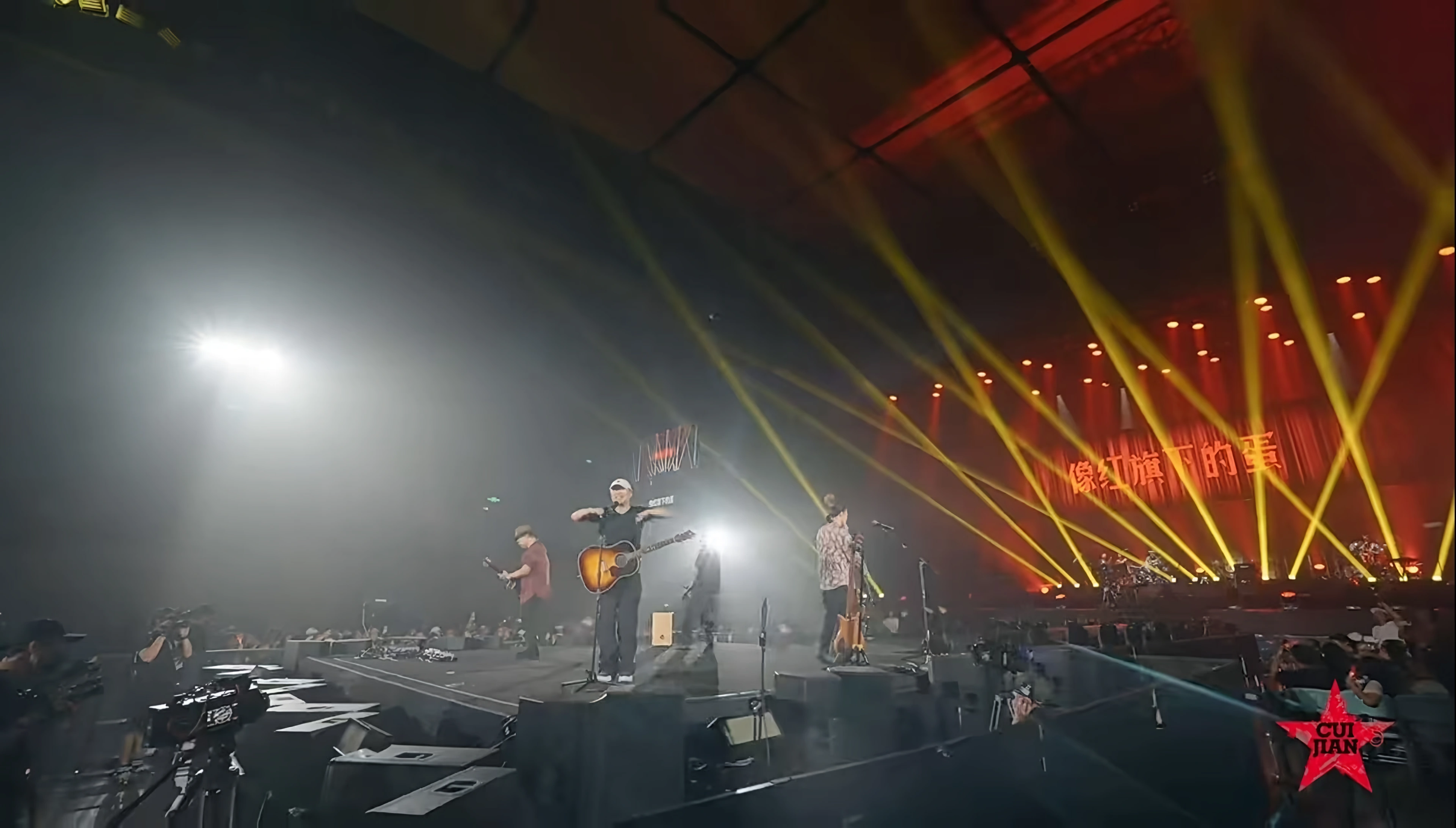
IMS86

Object-based Sound in Motion

Object positioning and trajectories with VBAP / DBAP and Ambisonics rendering, output delay and gain adjustment, and OSC control. The installation guide lists a reference configuration of 128 inputs and 64 outputs.

  • Object trajectories
  • VBAP / DBAP / Ambisonics
  • OSC control
Discuss a Live System
Concept visualization of spatial sound objects connected to parallel rendering channels
Spatial rendering · Concept visual

Broadcast Rendering

Render Live

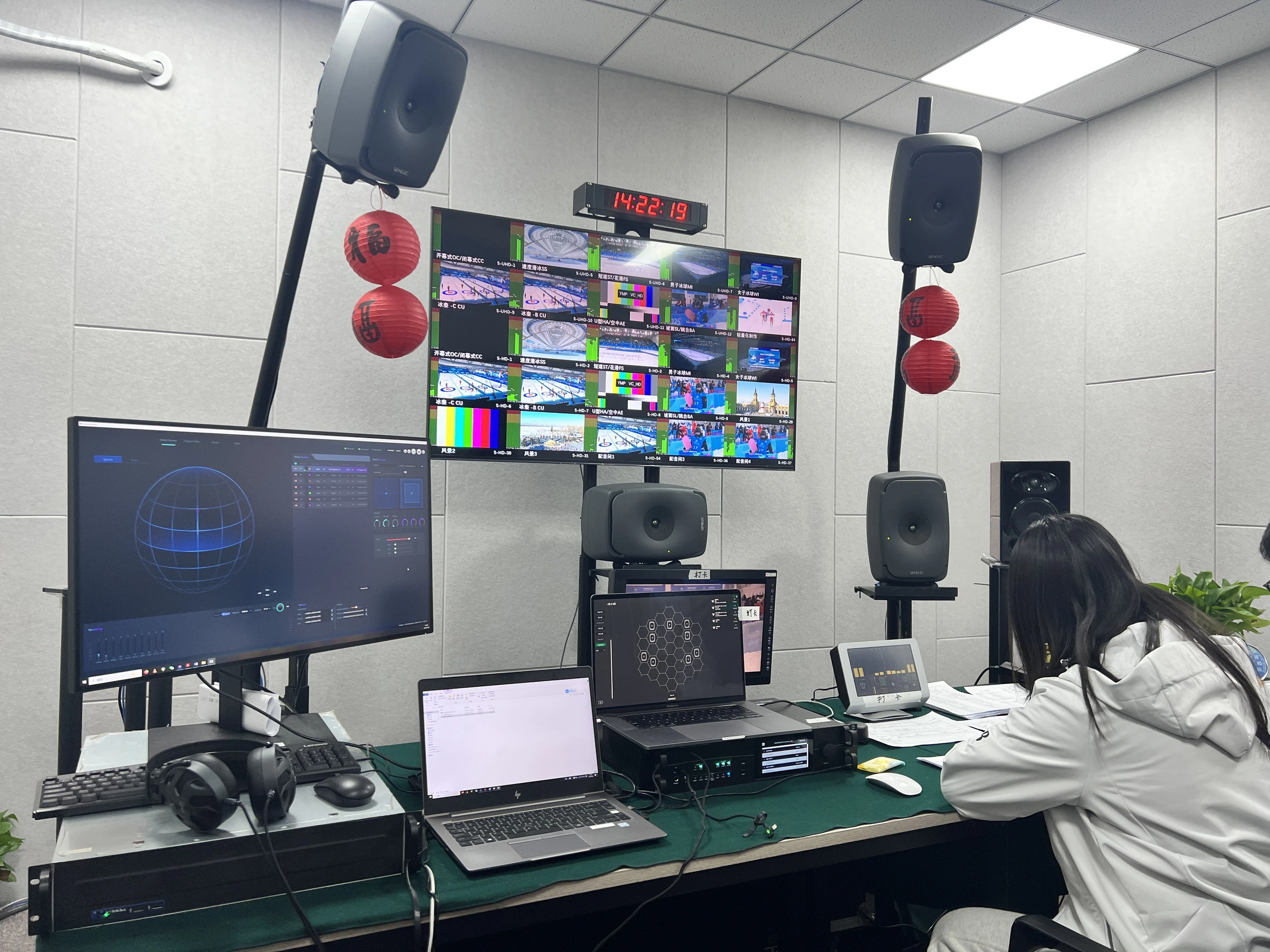
AudioVivid Realtime Rendering Server

Organize Object, DirectSpeaker and HOA sources across programs. Supports 128-channel AES67 and ASIO input / output, with realtime PCM streams and ADM metadata output.

  • 128 × 128 AES67 / ASIO
  • Object · DirectSpeaker · HOA
  • PCM + ADM
Discuss Broadcast Integration

Inside the softwareExplore the workflow, then enlarge the original interface to inspect the controls.

IMS86Working modes · Object trajectories · Speaker layoutClose workflow
Input interface · Manual p. 5; modes described on p. 9

REAL INTERFACE / Operation manual V1.0.1

Check the path. Edit the scene. Go live.

DIRECT bypasses processing for a quick signal-path check. EDIT enables source and spatial editing. LIVE connects to the IMS86 server for on-site operation.

Operation notes

DIRECT maps the first 64 inputs to 64 outputs one-to-one. DIRECT and LIVE disable source add/delete and import/export; prepare those changes in EDIT.

Render LiveStream Sources · Program Editor · SetupExplore workflow

02 / Network Audio

Connect the system. Channel by channel.

Analog interfaces bring signals into the network. Routing connects the devices. Amplification drives the loudspeakers.
Actual hardware · Front / rear

Network I/O

IO8²

Analog Audio Meets AES67

A 1U interface with 8 Mic / Line inputs, independent 48V phantom power and gain, 8 Line outputs, and 8 × 8 AES67 network audio channels.

  • 8 Mic / Line inputs
  • 8 Line outputs
  • 8 × 8 AES67
Discuss Network I/O
Connections, explained
Front
Mic / Line inputs 1–4; input/output level indicators.
Rear
Mic / Line inputs 5–8, Line outputs 1–8, AES67 and LINK network ports.
Input control
Each of the eight Mic / Line inputs has independently controlled gain and 48 V phantom power.

Source: product quick installation guide · Actual front/rear photographs above

Actual hardware · Front / rear

Network Amplification

A8

From Network Audio to Loudspeakers

8 AES67 network inputs connect to 8 amplifier output channels. Input-level monitoring and network receiver configuration support installation and system commissioning.

  • 8 AES67 inputs
  • 8 amplifier channels
  • Input-level monitoring
Discuss Amplification
Connections, explained
Network in
AES67 and LINK ports connect the device to the audio network; eight AES67 input channels feed the amplifier.
Speaker out
Eight pairs of + / − power-output terminals on the rear connect the loudspeaker channels.
Monitoring
The front-panel indicators show input levels; the rear carries the 100–240 V AC power connection.

Source: product quick installation guide · Actual front/rear photographs above

Software interface · V1.2.3

Network Control

AES67 Control

See Devices. Connect Channels.

Manage device status, master clock and sample rate. Connect senders and receivers in a routing matrix, save and load configurations, and inspect logs.

  • Device discovery
  • Clock & routing
  • Configuration & logs
Discuss Network Control
AES67 ControlDiscover devices · Route channels · Restore configurationExplore workflow

03 / Silicon & Development

Build the next audio system.

SAP 7100X silicon concept illustration

Flagship SoC

SAP 7100X

Dedicated Audio Processor

Cortex-M0 control with dedicated Matrix, FIR, Delay, Gain and Router blocks. Up to 64 TDM inputs and 64 outputs; FIR resources support multiple channel and tap configurations.

Explore SAP 7100X
SineFlowFUNCTIONAL OVERVIEW
01Knowledge02Agents03Human reviewContext → Collaboration → ReviewFeedback improves the next task
Workflow illustration · not a software screenshot

AI Workflow

SineFlow

Enterprise AI Collaboration

Connect knowledge, agent workflows and human review across content, development proposals and enterprise operations.

Explore SineFlow
SineKniterFUNCTIONAL OVERVIEW
01Audio logic02Unified HAL03HardwareOne workflow, multiple hardware targetsA1 / M2 / X3 / G4
Workflow illustration · not a software screenshot

Audio IDE

SineKniter

Intelligent Audio Programming

A professional audio IDE built for four major DSP hardware platforms. Combines AI-assisted coding, realtime on-device debugging, and native SineFlow integration for rapid algorithm development.

Explore SineKniter
Actual software interface

Design Tool

Speaker Designer

Loudspeaker System Design

Physics-grounded loudspeaker simulation covering enclosure design, crossover synthesis, and resonance optimization. Delivers verified FIR exports ready for SINE DSP deployment.

Explore the tool

SineMedia · Build what comes next

Start with your space.

Share your source formats, loudspeaker layout and network requirements. We will help you define the processing and I/O configuration.